Performance Max Campaign Mistakes to Avoid
A Performance Max campaign is one of the strongest tools in Google Ads. It's also one of the most misunderstood. It won't just go find customers on its own, not without the right conditions in place. Here's why not every account should launch one.
Kategorije:
Kazalo vsebine


Performance Max is an automated campaign type that runs across Search, YouTube, Gmail, Maps and Display at the same time, from one single campaign. How well it performs comes down almost entirely to the conversion data your account already has before you hit launch.
That’s the part most people skip. They turn PMax on expecting it to figure things out on its own.
Here’s what we’ve seen work, and what wastes budget, after running these campaigns for real clients.
When to Run a Performance Max Campaign (Count Your Conversions First)
Before you launch a new Performance Max campaign, pull up the numbers your Google Ads account already has. It learns from conversions that already happened. No history, no learning. Without enough of it, the algorithm is guessing who to show your ads to.
According to a detailed breakdown of Performance Max optimization tactics, you need at least 30 conversions a month for the Maximize Conversions strategy to work properly. Below that, the algorithm spends its first weeks testing, not selling.
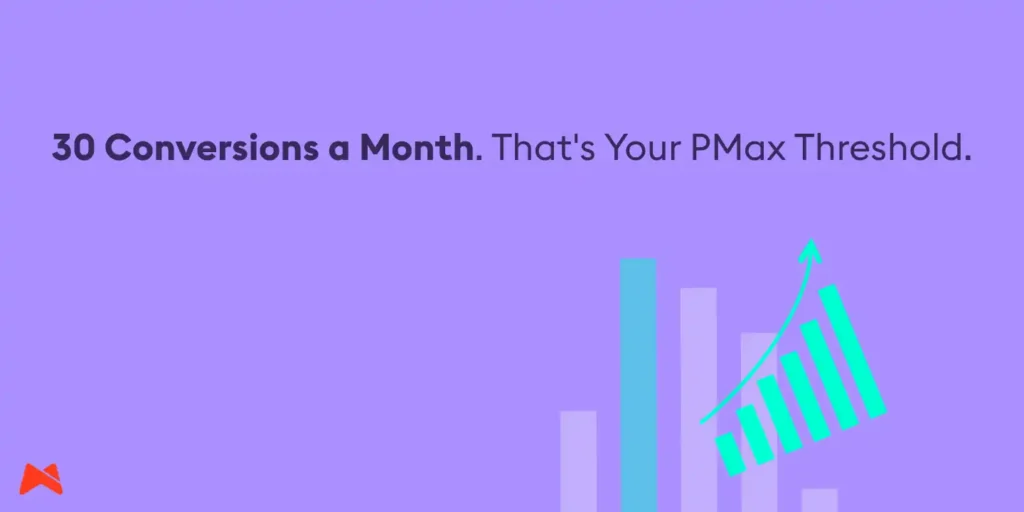
Which means: Performance Max is not the first campaign you launch in a new account. It’s what you add once your search campaigns are already working and your conversion tracking is solid.
Skip that step, and month one is basically tuition. The campaign is still learning who your buyer even is. Sales don’t show up yet, and that’s expected.
So before PMax enters the conversation, check that your conversion tracking is actually set up right. If you haven’t done that, read our post on setting up GA4 events correctly in Google Tag Manager first. Dirty conversion data breaks every automation built on top of it, PMax included.
At Madwise, we check that foundation before anything else. Only once it holds up do we fit a PMax campaign into the wider Google Ads strategy.
PMax Automates a Lot, Not Everything
One Performance Max campaign covers Search, Display, YouTube, Gmail, Google Maps and Discover.
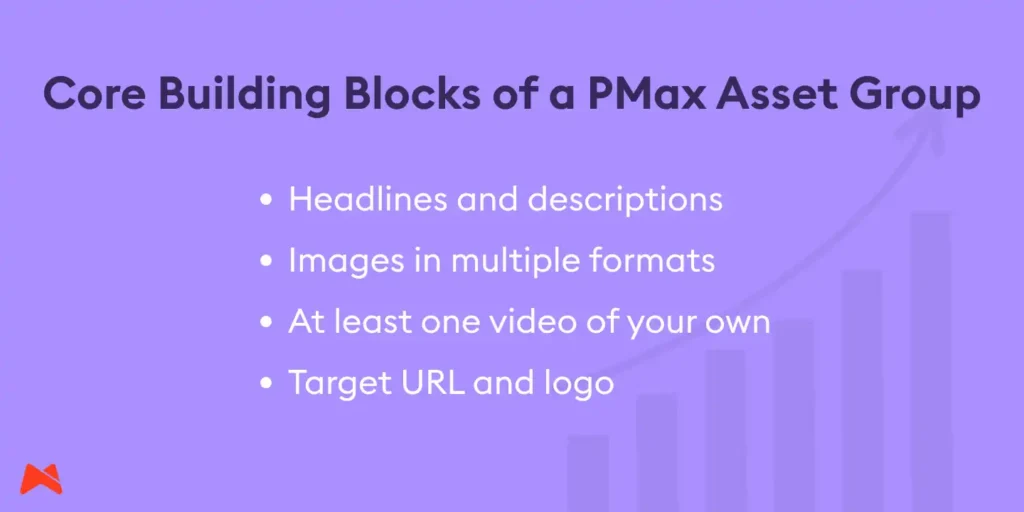
Instead of building separate campaigns per channel, you set one goal, one budget, and a set of asset groups (headlines, descriptions, images, videos). The algorithm decides where and to whom it shows them.
Sounds hands-off. It isn’t. Creative quality is still on you.
Skip uploading your own video, and Google stitches one together from your product images. It usually looks cheap, and it can drag your brand down with it.
Google itself tells advertisers to upload their own video instead of leaving it to auto-generation, a point confirmed in Google Ads’ own documentation on campaign setup.
Same story with the learning period. Launch a campaign, or change the budget, and the algorithm needs time to recalibrate, usually a week or two, sometimes up to six. Touch it constantly during that window and you just reset the clock. Adjust bids daily through those weeks, and the campaign never gets the chance to stabilize.
Google Ads Mistakes We See Over and Over
Same mistakes, different client, project after project. Here are the ones we run into most.
1. Campaigns Split Into Too Many Pieces
A business pulls in 50 conversions a month and splits that across five PMax campaigns, one per product category. Each one ends up with maybe ten conversions. That’s not enough for the algorithm to spot a single pattern. Results come in mediocre across the board, and the owner blames PMax. The real problem is the data got chopped into pieces too small to learn from.
The fix is almost embarrassingly simple: merge the campaigns back into fewer groups until each one collects enough conversions. Split them again later, once the volume actually supports it.
2. Messy Negative Keywords
Left unchecked, the algorithm will match your ads to searches that have nothing to do with what you’re selling, and your spend disappears without you noticing.
This got a lot better in recent years, since campaigns now support extensive exclusion lists. If you sell a wide product range, that’s what stops your budget bleeding into searches that never convert.
Start with last month’s search terms report. Cut anything that has nothing to do with your offer.
3. Landing Pages That Aren’t Ready for Traffic
Send PMax traffic to a page that isn’t built to convert, and no amount of algorithm smarts will fix that for you. Check that your pages cover the basics before you push more budget their way.
Keep PMax Campaigns Under Control, Not on Autopilot
Automated doesn’t mean unattended. A few habits keep a PMax campaign in check, and we run every one of them ourselves:
- Upload audience signals: lists of existing customers, site visitors, people who left a product in their cart, and newsletter subscribers. The stronger the signal, the faster the algorithm learns who to chase.
- Split products by margin or value. Selling a high-value subscription alongside a one-off, low-margin product? Run them in separate campaigns with their own return targets. Lump them together and optimization drifts toward an average that helps neither.
- Use brand exclusions where they make sense. PMax will often serve ads on searches for your own company name and claim the credit, even though you’d have gotten most of those visitors for free anyway.
- Check the search terms report weekly. Cut whatever’s racking up clicks without a single conversion behind it.
None of this is a set-and-forget job. A PMax campaign left untouched starts losing steam over time, because user behavior and competitors move faster than the default settings do.
Should You Even Run a Performance Max Campaign?
Google is still the platform PPC specialists reach for first, by a wide margin. A 2026 roundup of PPC statistics puts usage at 98% among surveyed PPC marketers.
PMax keeps taking up more real estate inside that ecosystem, which means businesses selling online will struggle to avoid it forever.
That said, Performance Max campaign isn’t a blanket fix for every account. Base the call on where your account actually stands, not on what’s trending:
- Online store, wide product range, steady sales, clean GA4 tracking: yes.
- New account, no conversion history, or a daily budget under a few dozen euros: not yet.
- Chasing brand awareness rather than direct conversions: no, look at other campaign types.
- Solid tracking, search campaigns already working, want to extend reach into YouTube and Display: yes, as an addition, not a swap.
Before You Launch PMax, Check This Too
Performance Max campaign isn’t a shortcut to less work. It’s a way to reach further once managing everything manually has gotten out of hand.
It works once the groundwork is already there: clean tracking, enough historical data, creative that’s actually good, and a budget that gives the algorithm room to learn. Skip any of that, and you’re back to paying tuition instead of making sales.
Not sure your account is ready for Performance Max? Already ran it and got nothing back? Email us at hello@madwise.si. We’ll go through your Google Ads account and give you a straight answer on whether PMax is worth it right now.